Table of Contents
- Smart Lighting Systems for Every Room
- Voice-Controlled Assistants and Smart Hubs
- Home Security and Surveillance Gadgets
- Smart Climate Control and Energy Monitoring
- Smart Locks and Access Control
- Smart Home Automation Benefits
- How to Set Up a Smart Home Ecosystem
- Best Smart Home Devices for Energy Saving
- Frequently Asked Questions
Last Updated: September 17, 2026
Smart Lighting Systems for Every Room
Smart lighting is the most accessible entry point into smart gadgets for home automation, letting you control brightness, color, and scheduling from your phone or voice. According to U.S. Department of Energy guidance on lighting controls, automated lighting controls can meaningfully reduce electricity waste by ensuring lights run only when needed.
The Philips Hue Smart Bulbs remain the benchmark: millions of colors, geofencing, and movie/music syncing make them the most flexible option. Setup takes about ten minutes per room with the Bridge, or start with Bluetooth and skip the hub. The tradeoff is cost, Hue bulbs carry a real premium.
For renters or anyone automating a lamp rather than a ceiling fixture, the Wyze Plug handles scheduling, timers, and a vacation mode that randomizes lights for a fraction of the price.
Voice-Controlled Assistants and Smart Hubs
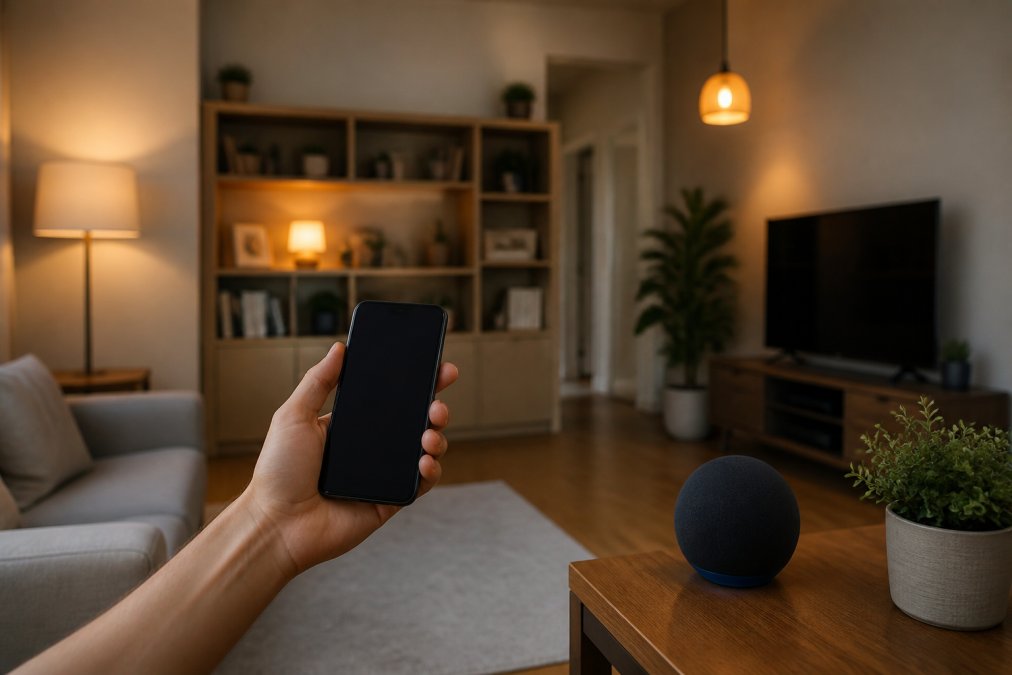
A smart hub is the central brain that connects your devices and lets them talk to each other. Without one, you're running separate apps for every gadget. The hub also determines which wireless protocols your home can speak, a choice that outlasts any individual device.
- Voice-first hubs (Apple HomePod, Amazon Echo, Google Nest Hub) double as speakers and assistants. They're the easiest entry point but tie your automations to one company's app.
- Protocol hubs (SmartThings, Hubitat, Home Assistant) prioritize compatibility over voice quality. They speak Zigbee, Z-Wave, Thread, and Matter simultaneously, which matters if you plan to mix brands.
- Bridge hubs (Philips Hue Bridge, Aqara Hub) exist to connect one brand's devices to the wider network. They're not a substitute for a real hub, but they're often required before a device can join one.
Why Matter and Thread Change the Buying Decision
Home Security and Surveillance Gadgets
Home security has shifted from subscription cloud storage toward local-first options. The Eufy Video Doorbell stores footage locally on its HomeBase rather than in the cloud, no monthly fee, no company holding your video. Its 2K HDR resolution handles bright sun to porch lights at night, and AI human detection cuts false alerts from passing cars.
Smart Climate Control and Energy Monitoring
The Ecobee Smart Thermostat Premium is the strongest pick for anyone whose utility bill has crept up. Its SmartSensor measures temperature in the room you're actually in, not the hallway where the thermostat is mounted, fixing the most common complaint about smart thermostats: rooms that never reach the temperature you set.
Smart Locks and Access Control
The August Wi-Fi Smart Lock attaches to your existing deadbolt, so you keep your current keys and hardware. Auto-unlock uses proximity detection to open the door as you walk up with groceries in both hands, and the activity feed shows exactly who came and went and when. For anyone managing deliveries, dog walkers, or cleaners, that log is worth the price alone.
Smart Home Automation Benefits
The smart gadgets and home automation benefits that actually change daily life come down to time, money, and peace of mind. Automated scheduling handles lights, temperature, and appliances without you thinking about them. Sensor-based triggers turn the porch light on when motion is detected, not on a fixed timer that's wrong half the year. Remote monitoring lets you check the doorbell, lock the front door, and adjust the thermostat from anywhere.
| Benefit | What It Automates | Typical Payoff |
|---|---|---|
| Automated scheduling | Lights, thermostat, plugs | Lower utility bills, no manual adjustments |
| Sensor-based triggers | Security lights, cameras, alerts | Real-time alerts only when it matters |
| Remote monitoring | Locks, doorbells, cameras | Check status from anywhere |
| Local control | Video storage, hub processing | No recurring subscription fees |
| Interoperability | Cross-brand device pairing | Avoid ecosystem lock-in |
The Benefit Most Guides Skip: A Smaller Attack Surface
Every connected device is another door into your home network, and most buying guides never mention it. A doorbell camera, smart plug, and thermostat each run firmware that can fall out of date, and an unpatched device is the easiest way for someone on your Wi-Fi, or the internet, if exposed, to reach the rest of your network.
The practical defenses are unglamorous but effective:
- Put IoT devices on a separate network. Most modern routers let you run a guest network or a dedicated IoT SSID. If a smart bulb is compromised, it can't see your laptop.
- Change default credentials immediately. Factory passwords on cameras and hubs are published in manuals and scraped by bots within hours of a device going online.
- Enable two-factor authentication on the account, not just the device. The app account is usually the weakest link, because it's reachable from anywhere.
- Prefer local processing when the option exists. A camera that stores footage on a local base station keeps video off a vendor's servers, which limits what a breach can expose.
- Check for firmware updates quarterly. A device that hasn't been updated in a year is a device the manufacturer may have stopped supporting.
The Benefit Nobody Advertises: A Home That Stays Working
Smart homes fail in predictable ways that are almost never covered at purchase. Firmware updates occasionally break integrations that worked yesterday. Batteries die in locks, sensors, and buttons at inconvenient times. Wi-Fi credentials change when you upgrade your router, and every 2.4GHz-only device must be re-paired one at a time.
A few habits prevent most of this:
- Keep a written inventory of every device, its app, its protocol, and its login. You will need it during the first router swap.
- Replace batteries on a schedule, not when they die. Smart locks and door sensors are the two categories where a dead battery has real consequences.
- Apply firmware updates during low-use windows. Updates sometimes reboot a hub, and a hub reboot at 7 a.m. means your morning routine doesn't run.
- Keep one manual fallback per critical system. A physical key for the smart lock, a wall switch that still works when the hub is offline, and a thermostat you can adjust by hand.
- Re-test automations after any major update. A scene that dims the lights and locks the door is only useful if it still fires after the platform pushes a change.
How to Set Up a Smart Home Ecosystem
Setting up a smart home ecosystem works best in phases rather than one big weekend project. Start with the hub, since everything connects through it, then add devices one category at a time so you can troubleshoot without ten variables at once.
- Choose your hub first. Apple HomePod, or another Matter-compatible hub, becomes the foundation.
- Pick one wireless protocol. Thread and Matter are the forward-looking standards; older Zigbee devices still work but check compatibility.
- Connect your lighting. Start with one room to confirm the app, voice control, and schedules all behave.
- Add climate control. Install the thermostat and pair your SmartSensor to the room you use most.
- Layer in security. Doorbell and locks last, since they involve the most configuration.
- Set up scenes and routines. Group devices by activity, not by room.
- Test remote access. Confirm you can control everything while off your home network.
Best Smart Home Devices for Energy Saving
The best smart home devices for energy saving eliminate waste automatically rather than requiring you to remember to adjust something. The Ecobee thermostat leads through occupancy detection and scheduling. Smart plugs like the Wyze Plug cut phantom power draw on TVs, chargers, and appliances that sip electricity around the clock. Smart lighting adds scheduling that keeps lights off during daylight hours.
Frequently Asked Questions
What are the most essential smart gadgets for beginners?
Start with a smart speaker or hub, a few smart plugs, and smart bulbs. These let you control lights and small appliances by voice or app. Add a video doorbell for security. Look for devices that support Matter or Thread so they work together. You can expand later with a smart thermostat or robot vacuum.
How do smart home gadgets improve daily convenience?
Smart gadgets automate repetitive tasks: lights turn on at sunset, the thermostat adjusts when you leave, and the robot vacuum cleans on a schedule. You can control everything from your phone or with voice commands. This saves time and reduces the mental load of managing your home.
Are smart home devices worth the investment for modern homes?
For many homeowners, yes. Smart thermostats can lower heating and cooling bills by optimizing schedules. Smart locks let you grant temporary access to guests or service workers. The upfront cost varies, but the convenience and energy savings often justify the expense over time. Start with a few devices and expand as needed.
How do I ensure my smart home gadgets are secure?
Use strong, unique passwords for each device and enable two-factor authentication where available. Keep firmware updated. Choose devices with local storage or encryption, like a video doorbell that stores footage on a home base. Avoid connecting smart devices to public Wi-Fi, and set up a separate network for your smart home if your router supports it.