Table of Contents
- Why Affordable Smart Home Devices Make Sense for Beginners
- Best Budget Smart Plugs to Start Your Automation
- Smart Home Security for Beginners: Cameras and Doorbells
- How to Set Up Smart Home Lighting Without a Hub
- Voice Control and Smart Speakers: The Hub Alternative
- Building Your First Smart Home: Setup and Automation Tips
- Privacy and Security Considerations for Budget Devices
- Conclusion
Last Updated: August 25, 2026
Why Affordable Smart Home Devices Make Sense for Beginners
The real barrier to starting a smart home isn't cost, it's confusion about where to begin and whether devices will work together. The smart home market has matured enough that entry-level products now deliver genuine functionality without compromising reliability. You can automate basic appliances, monitor your front door, control lights, and manage everything from your phone for less than a single premium smart speaker from five years ago. At WellnessLifeClub74, we've curated proven entry-level devices that work, don't require technical expertise, and won't frustrate you after the first week.
The devices covered here share three critical traits: they work without a dedicated hub, they integrate with mainstream voice assistants, and they're genuinely affordable. Most importantly, they're designed for people who want smart home functionality without becoming a home automation hobbyist.
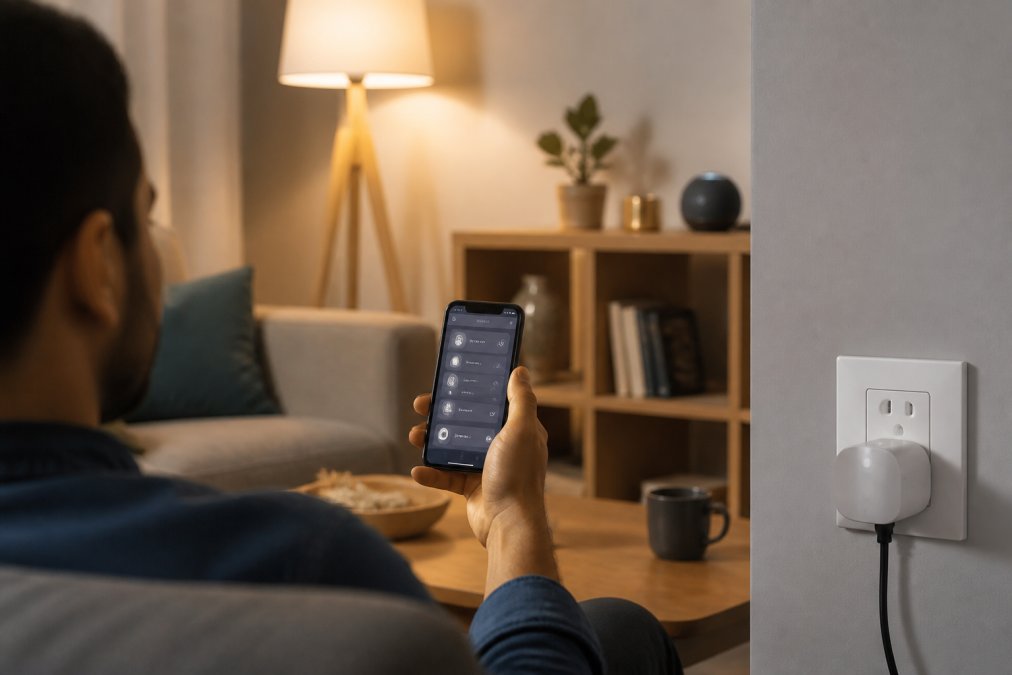
What separates beginner-friendly smart homes from frustrating ones is simplicity. Devices requiring complex setup, proprietary hubs, or constant troubleshooting don't stay in use. The affordable smart home devices discussed here follow a straightforward pattern: download an app, connect to Wi-Fi, add the device, and start controlling it. The ecosystem matters more than individual devices, you need compatibility with Amazon Alexa, Google Assistant, or both to transform isolated gadgets into an actual system.
Best Budget Smart Plugs to Start Your Automation
Smart plugs are the gateway to home automation. They're inexpensive, require zero installation, and immediately prove the value of smart home control. Plug one in, and suddenly your desk lamp, coffee maker, or living room fan becomes remotely controllable and automatable.
TP-Link Kasa Smart Wi-Fi Plug Mini
The TP-Link Kasa Smart Wi-Fi Plug Mini is one of the best entry points into affordable smart home devices. It's compact enough that you won't lose outlet space, and handles core smart plug functionality without unnecessary extras.
The device connects directly to your 2.4GHz Wi-Fi network with no hub needed. The Kasa Smart app lets you control plugged-in devices from anywhere, set schedules so your coffee maker turns on before you wake up, and create automation routines. Voice control works with both Amazon Alexa and Google Assistant. Setup takes roughly ten minutes: download the app, scan the QR code, connect to Wi-Fi, and you're done. The compact design lets you stack two plugs in a standard outlet without blocking the other one.
The main limitation is that it doesn't support Apple HomeKit. For beginners, this barely matters.
Why Smart Plugs Are Your First Step
Smart plugs deserve to be your first affordable smart home device because they prove the concept works without requiring permanent changes to your house. You're not installing anything or rewiring anything, if you decide smart home automation isn't for you, you simply unplug it.
Smart plugs let you automate things that don't have built-in smart features. Your old floor lamp becomes schedulable. Your space heater can turn on automatically when the temperature drops. The real value emerges when you combine multiple plugs into routines: set up a "leaving home" scene that turns off all plugged-in devices, or create a "movie night" routine that dims lights and powers down the TV.
Smart Home Security for Beginners: Cameras and Doorbells
Security is often the second priority for people building affordable smart home systems. Entry-level security cameras and video doorbells now deliver real functionality at genuinely affordable prices.
Wyze Cam v3: Affordable Indoor and Outdoor Monitoring
The Wyze Cam v3 is a wired camera that costs significantly less than most security cameras while delivering premium features (wyze.com). It shoots 1080p HD video, includes color night vision, and works both indoors and outdoors thanks to its IP65 weatherproof rating.
The camera connects to Wi-Fi and sends video to the Wyze app on your phone. You get real-time motion notifications, two-way audio to speak through the camera, and a built-in siren for deterrence. Local storage via microSD card keeps footage on the device, and Wyze provides 14 days of free cloud backup. Setup requires running power to the camera location, which is the main constraint. Once powered, the camera pairs to Wi-Fi in minutes and begins recording immediately.
The Wyze Cam v3 integrates with both Amazon Alexa and Google Assistant. Some advanced features like person detection require a paid Cam Plus subscription, but basic motion detection and recording work without any subscription.
Ring Video Doorbell Wired: Budget-Friendly Entry Point
The Ring Video Doorbell Wired is the most affordable way to add video doorbell functionality. It connects to your existing doorbell wiring, so installation is straightforward for anyone comfortable with basic electrical work. The doorbell captures 1080p HD video and sends real-time notifications when someone presses the button or motion is detected. Two-way audio lets you speak to visitors from anywhere, and night vision ensures clear visibility in low light.
The main trade-off is that you'll need a Ring Chime or compatible Alexa device to hear the doorbell ring inside your home. If you already own an Amazon Echo device, this is solved. Video storage requires a Ring Protect subscription to save and review footage, though you'll get real-time notifications either way.
How to Set Up Smart Home Lighting Without a Hub
Smart lighting is the visible part of home automation. Controlling lights with your phone or voice feels futuristic and often convinces skeptics that smart home devices are worth the investment.
Affordable smart bulbs don't require a separate hub. You screw them into existing fixtures, connect them to Wi-Fi, and control them from your phone.
Govee A19 Smart LED Bulbs with Matter Support
The Govee A19 Smart LED Light Bulbs come in a four-pack and offer millions of colors, tunable white light from warm to cool, and support for the Matter standard. Matter is the emerging interoperability protocol that lets different brands' smart devices work together seamlessly.
These bulbs connect via Wi-Fi and Bluetooth, so you can control them directly from the Govee Home app without needing a separate hub. Voice control works with both Amazon Alexa and Google Assistant. The bulbs support 16 million colors and include Music Sync, which makes the bulbs react to music playing through your phone's microphone. Setup is straightforward: screw the bulb into a lamp, open the Govee app, scan the QR code, and connect to Wi-Fi. At 800 lumens, they're bright enough for ambient and task lighting (govee.com). The price point makes these bulbs exceptional for affordable smart home devices, and Matter support future-proofs your investment.
Philips Hue White Bulbs: Simple Bluetooth Control
The Philips Hue White A19 bulbs offer warm white light with smooth dimming and Bluetooth control for direct operation. They're simpler than the Govee bulbs, no color changing, just warm white tones from bright to dim. That simplicity is an advantage for beginners. Bluetooth control means you can adjust lights from your phone without setting up Wi-Fi. If you decide later that you want more control and automation, you can add a Philips Hue Bridge to unlock scheduling, automation routines, and remote control. This scalability makes Hue bulbs a solid choice for beginners who might expand their system later.
Voice Control and Smart Speakers: The Hub Alternative
A smart speaker serves two purposes in a beginner smart home: it's a voice interface for controlling your devices, and it can act as a hub for more advanced automations.
Google Nest Mini: Affordable Voice Assistant
The Google Nest Mini is the entry point to Google's smart home ecosystem. It's compact, inexpensive, and delivers solid voice recognition.
The device has a built-in speaker adequate for voice feedback and music playback. The Nest Mini connects to Wi-Fi and gives you voice control over any compatible smart home device. Ask it to turn on lights, adjust the thermostat, lock the door, or check your security camera. Voice Match lets the device recognize different household members and provide personalized information. Setup involves plugging in the device and following prompts in the Google Home app. Within minutes, you're controlling your affordable smart home devices with voice commands. The Nest Mini can also act as a smart home hub, enabling remote access and complex automations, though that requires a Google Nest device or Nest Hub.
Building Your First Smart Home: Setup and Automation Tips
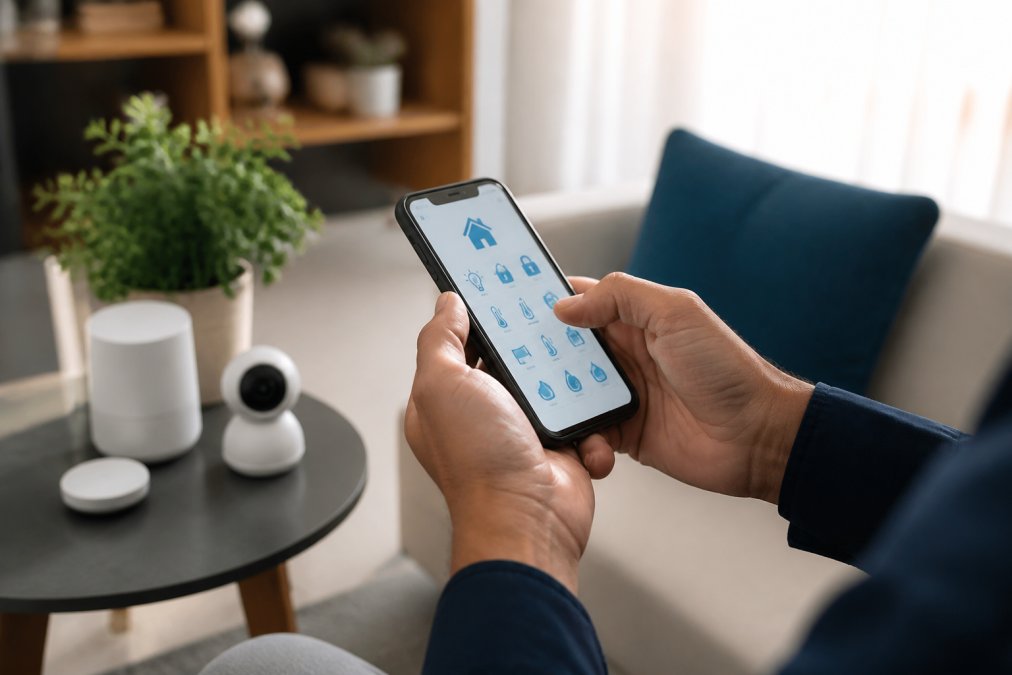
The transition from owning individual smart devices to having an actual smart home system happens when you create automations and routines. A single smart plug is convenient. Five smart plugs, lights, and a camera working together automatically is a genuine system.
Do You Need a Smart Hub?
A smart hub is a dedicated device that acts as a central controller for your smart home. It enables remote access, more complex automations, and better reliability for devices that don't connect directly to Wi-Fi.
For beginners with affordable smart home devices, a dedicated hub is optional. Most entry-level devices connect directly to Wi-Fi and work fine without one. A hub becomes useful when you want remote access, sophisticated automations, and better voice assistant integration. If you already own a Google Nest device, Amazon Echo, or Apple HomePod mini, you have a hub. The practical recommendation: start without a dedicated hub. If you find yourself wanting more automation capability after a few months, add one then.
Creating Simple Automation Routines
Automations are where affordable smart home devices prove their value. A routine is a series of actions triggered by a condition. When you leave home, turn off all lights. When motion is detected after 10 PM, turn on the hallway light at 20% brightness. When the sun sets, activate "evening mode."
Start with simple routines. Create a "leaving home" routine that turns off plugged-in devices and activates security cameras. Create a "good morning" routine that turns on bedroom lights and starts your coffee maker. Most smart home apps support time-based routines, location-based routines, and trigger-based routines. The key is starting simple, create one or two basic routines, use them for a week, then expand.
Interoperability and the Matter Standard
Matter is a new connectivity standard designed to make smart home devices work together regardless of brand (csa.iot.org). For beginners buying affordable smart home devices in 2026, Matter support is becoming increasingly common. When choosing between two similar devices at the same price, the one with Matter support is the better choice. It's not a deal-breaker if a device doesn't support Matter, but it's a valuable feature for long-term compatibility.
Privacy and Security Considerations for Budget Devices
Affordable smart home devices are connected devices that collect some data and transmit it to the cloud. Most use encryption for data transmission, so your Wi-Fi traffic is protected. However, companies do collect usage data about when you turn on lights and what automations you use.
Read the privacy policy of any device you buy. For security cameras specifically, understand where footage is stored and who can access it. Local storage via microSD card is more private than cloud storage, though less convenient for remote access. Use local storage when possible, disable features you don't use, and use strong passwords for your smart home accounts. These basic steps dramatically improve privacy without sacrificing functionality.
| Device Type | Best Budget Option | Key Feature | Voice Control |
|---|---|---|---|
| Smart Plug | TP-Link Kasa Mini | Remote control, scheduling | Alexa & Google |
| Security Camera | Wyze Cam v3 | Color night vision, 2-way audio | Alexa & Google |
| Video Doorbell | Ring Wired | 1080p HD, hardwired | Alexa integration |
| Smart Bulbs (Color) | Govee A19 | Matter support, millions of colors | Alexa & Google |
| Smart Bulbs (White) | Philips Hue White | Bluetooth control, expandable | Alexa & Google |
| Voice Speaker | Google Nest Mini | Hub alternative, voice control | Google Assistant |
Building an affordable smart home system for beginners is about starting simple and expanding gradually. The devices covered here work together, integrate with mainstream voice assistants, and deliver genuine functionality without complexity or premium pricing. WellnessLifeClub74 curates these proven devices specifically for people who want smart home convenience without the learning curve. Start with a smart plug to understand how the ecosystem works, add a security camera when you're ready, and expand from there. The best affordable smart home setup is the one you'll actually use.
=== FAQ ANSWERS (audit these too, same rules) ===
[1] Q: What are the easiest affordable smart home devices for a complete beginner? A: Start with smart plugs and smart bulbs, they require no hub and install in minutes. The TP-Link Kasa Smart Plug Mini and Govee A19 Smart LED Bulbs let you control existing devices and lighting via your smartphone or voice assistant. Add a Google Nest Mini for voice control, and you have a functional smart home without complex setup.
[2] Q: Do I need a smart home hub to get started with affordable devices? A: No. Many budget-friendly devices connect directly to your Wi-Fi network or use Bluetooth. Smart plugs, smart bulbs with Wi-Fi or Bluetooth, and voice assistants work without a dedicated hub. However, a hub like the Google Nest Mini can act as a central control point and improve automation reliability, especially as you add more devices to your ecosystem.
[3] Q: Are affordable smart home devices secure and private? A: Budget devices vary in security. Look for devices with encryption, regular firmware updates, and local control options. Wyze Cam v3 and TP-Link Kasa offer local storage and control features. Always use strong Wi-Fi passwords, enable two-factor authentication on your smart home app, and check the manufacturer's privacy policy. Avoid sharing unnecessary permissions with the app.
[4] Q: What's the total cost of setting up an affordable smart home for beginners? A: A basic smart home setup can be achieved with various devices. Pricing depends on the specific devices you choose and current sales. Visit WellnessLifeClub74 for current pricing on curated starter bundles.
Frequently Asked Questions
What are the easiest affordable smart home devices for a complete beginner?
Start with smart plugs and smart bulbs, they require no hub and install in minutes. The TP-Link Kasa Smart Plug Mini and Govee A19 Smart LED Bulbs let you control existing devices and lighting via your smartphone or voice assistant. Add a Google Nest Mini for voice control, and you have a functional smart home without complex setup.
Do I need a smart home hub to get started with affordable devices?
No. Many budget-friendly devices connect directly to your Wi-Fi network or use Bluetooth. Smart plugs, smart bulbs with Wi-Fi or Bluetooth, and voice assistants work without a dedicated hub. However, a hub like the Google Nest Mini can act as a central control point and improve automation reliability, especially as you add more devices to your ecosystem.
Are affordable smart home devices secure and private?
Budget devices vary in security. Look for devices with encryption, regular firmware updates, and local control options. Wyze Cam v3 and TP-Link Kasa offer local storage and control features. Always use strong Wi-Fi passwords, enable two-factor authentication on your smart home app, and check the manufacturer's privacy policy. Avoid sharing unnecessary permissions with the app.
What's the total cost of setting up an affordable smart home for beginners?
A basic smart home setup can be achieved with various devices. Pricing depends on the specific devices you choose and current sales. Visit WellnessLifeClub74 for current pricing on curated starter bundles.
This article was written using GrandRanker